Features

Practical CFD capabilities in a coherent graphical interface

EasyCFD brings geometry, meshing, calculation and result analysis together.

Pre-processing
Prepare the numerical problem

  • Draw geometry directly in the application
  • Import geometry from DXF or point-data files
  • Generate structured and unstructured meshes
  • Specify physical properties and boundary conditions
  • Choose first- or second-order upwind and TVD convection schemes
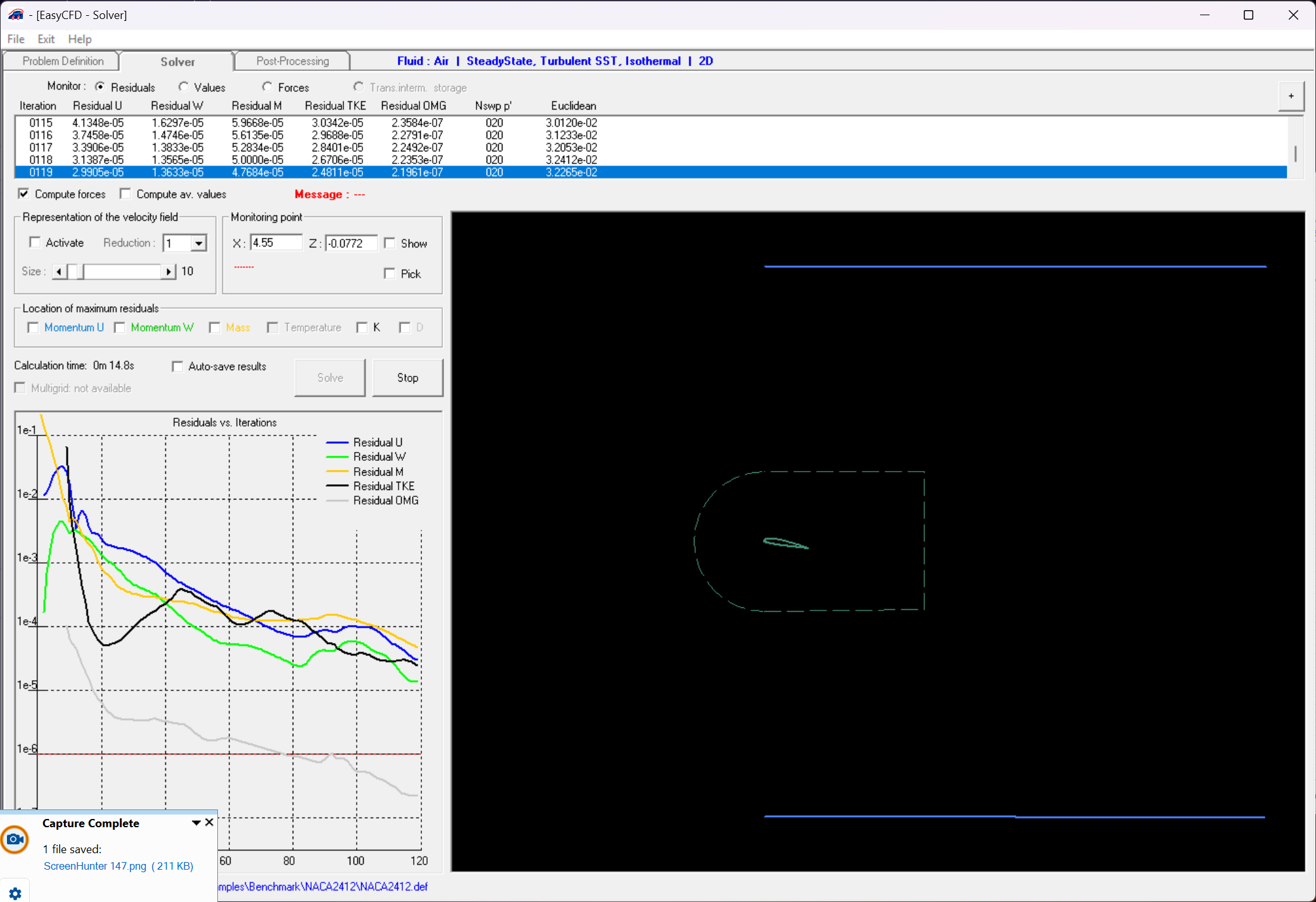
EasyCFD solver monitor

Physics and solution

Model flow and heat transfer

  • Two-dimensional and axisymmetric domains
  • Laminar and turbulent flow
  • Standard, RNG and Realizable k-ε models
  • SST k-ω and Spalart–Allmaras models
  • Transition k–kL–ω model
  • Steady-state and transient calculations
  • Conduction, convection and conjugate heat transfer
  • Multicomponent flow and passive-scalar transport
  • Isotropic and anisotropic porous media
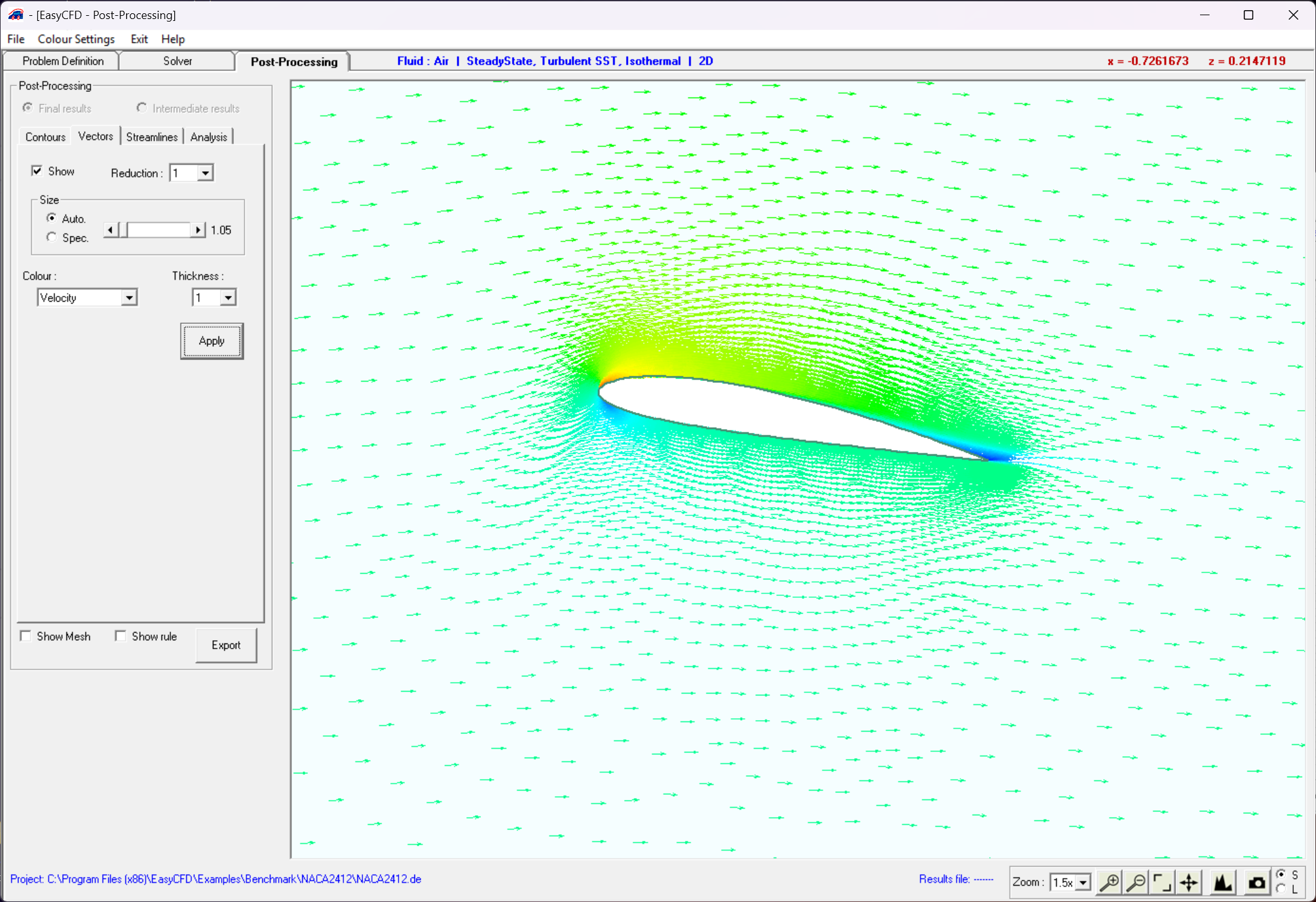
Velocity vector display

Post-processing

Turn numerical results into engineering insight

Streamlines

Visualise the paths implied by the calculated velocity field.

Velocity vectors

Inspect local flow direction and magnitude across the domain.

Contours

Create colour-shaded and line-contour representations.

Data extraction

Generate XY plots and domain or boundary statistics.

Numerical methods

Control accuracy and robustness

Select the spatial and temporal discretization appropriate to each stage of the calculation.

Upwind schemes

Use first-order upwind for robustness or second-order upwind for increased spatial accuracy.

TVD schemes

Apply bounded high-resolution TVD schemes with a choice of flux limiters.

Transient accuracy

Select first- or second-order time discretization for unsteady simulations.

Solver control

Set relaxation, convergence criteria and residual monitoring for the coupled equations.